Device Maintenance Guide for Long-Term Performance
Practical steps to keep your computer running reliably over the years.
Read articleQentrixa offers professional computer repair and IT support for individuals and small businesses. We diagnose thoroughly, explain clearly, and only fix what genuinely needs fixing.
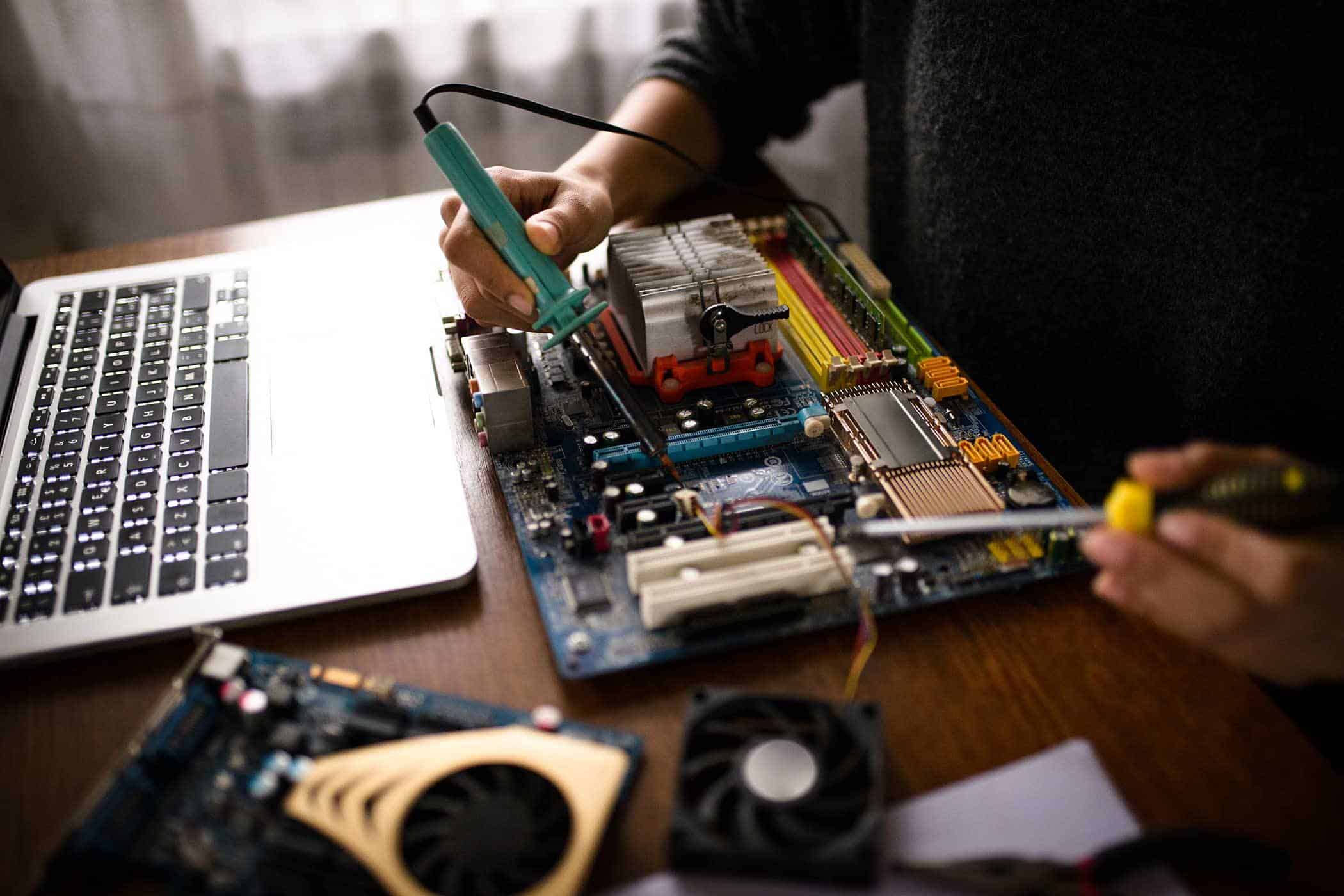
Tell us a little about your device and the issue you're experiencing, and we'll point you towards the most likely service area. This tool is a general guide — not a formal diagnosis.
Select the option that best matches your device.
Select all that apply.
Based on your answers — for reference only.
From routine maintenance to complex hardware faults, we cover a broad range of repair and support work. Every job is assessed individually.
Systematic fault-finding to identify the root cause of hardware failures, from power faults to component failures.
Screen repairs, keyboard replacements, charging port issues, and general laptop servicing handled with care.
Component selection guidance, installation, and testing for new builds and hardware upgrades.
Recovery from failing or damaged drives using professional tools. We're transparent about what's possible and what isn't.
Practical IT support for small businesses — setup, maintenance, troubleshooting and advice without the overhead of a full IT department.
Internal cleaning, thermal paste replacement, and health checks to keep systems running within safe parameters.
We follow a consistent process with every repair to make sure nothing is missed and that you always know where things stand.
We discuss the issue with you, note any relevant history, and record the device's condition before any work begins. This takes no more than 10–15 minutes.
We run a structured diagnostic to identify the root cause. We don't assume — we test, and we document what we find.
Once we understand the fault, we provide a clear, written quote. We don't begin repair work until you've approved it.
Repairs are carried out methodically. Where multiple issues are found, we discuss the priority order with you rather than making assumptions.
After repair, we verify that the issue has been resolved and run basic checks to confirm the system is in good working order.
We explain what was done and why, and give you practical advice on avoiding the same issue. You're welcome to get in touch if anything arises after collection.
These are representative of the kinds of feedback we receive. We don't select only glowing reviews — we aim for honest representation.
"My laptop had stopped turning on entirely. I'd assumed the worst. The team at Qentrixa diagnosed it quickly as a failed charging port and had it sorted within a couple of days. Clear communication throughout — they told me what they found before doing anything."
"I brought in a machine that had been running very slowly for months. Turned out to be a combination of an almost-full SSD and thermal throttling from a blocked fan. The explanation I got was straightforward and the machine runs much better now."
"Data recovery from a drive that had stopped responding. They were upfront from the start that there were no guarantees, which I appreciated — no false promises. They recovered about 80% of my files, including everything that mattered most."
"We use Qentrixa for our small office IT support. It's not glamorous work — mostly keeping machines ticking over, troubleshooting the odd issue — but they're reliable and don't oversell. That matters when you're running a small team."
"Laptop screen cracked after a fall. The repair was well-priced and done properly. The new screen looks exactly as it should and there have been no issues since. Took about three days including ordering the part."
"I brought in my gaming PC after adding new RAM — it wouldn't post. The team quickly identified a compatibility issue and helped me sort it out. They were patient explaining things and didn't make me feel like I'd done something obviously wrong."
A small, technically experienced team — focused on doing straightforward work carefully rather than handling high volume at the expense of quality.
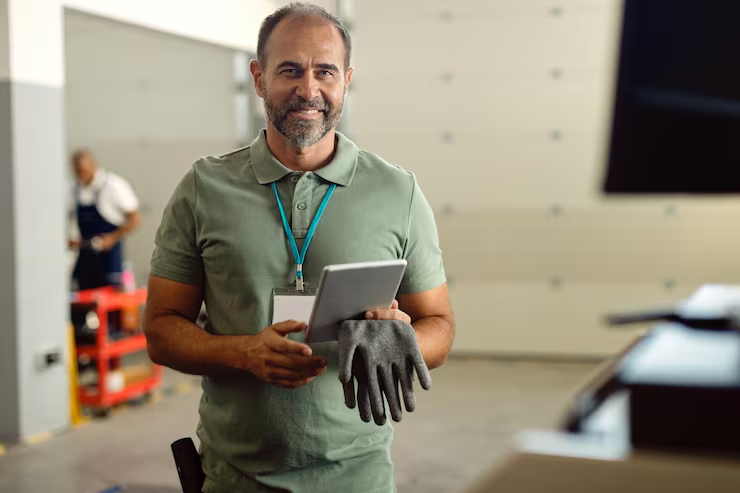
Over twelve years in hardware diagnostics and repair. James handles complex fault-finding and oversees quality on every job that comes through.
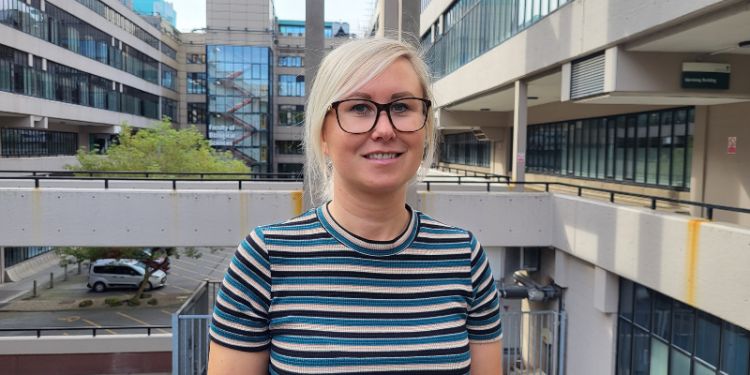
Rachel manages small business IT support, with a background in network administration and end-user support. Clear communicator; patient with non-technical questions.
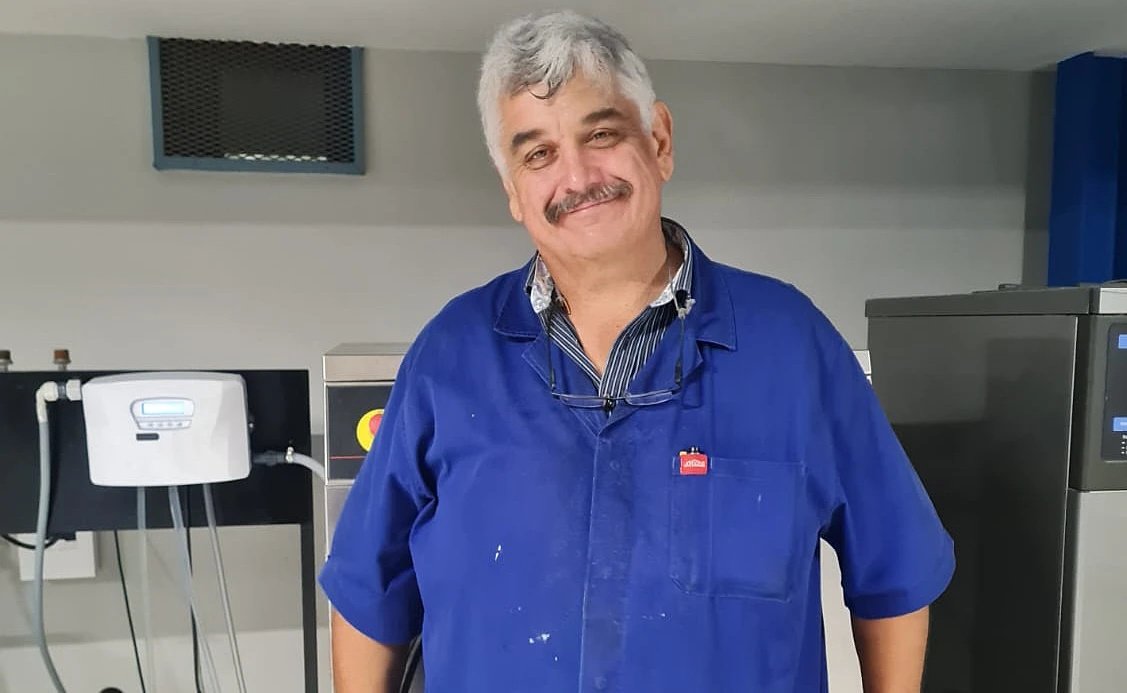
Specialises in data recovery and storage diagnosis. Stuart is thorough and realistic — he'll always tell you honestly what the prospects are before proceeding.

Experienced in laptop repair across a wide range of manufacturers and models. Detail-oriented and methodical, particularly with screen and keyboard work.
These aren't guaranteed to prevent every fault, but consistent basic care does reduce the likelihood of avoidable problems.
Full maintenance guidePractical, straightforward guides — written to inform, not to sell.

Practical steps to keep your computer running reliably over the years.
Read article
How to tell the difference between minor quirks and issues that warrant attention.
Read article
A realistic overview of what data recovery can and cannot achieve.
Read articleDrop us an email or give us a call. We'll discuss the issue, let you know whether it's something we can help with, and explain what to expect before any work begins.
Mon–Fri 9am–5:30pm · Sat 10am–2pm · Gourock, PA19 1QD